A sitemap tells readers where pages live. A graph tells you how they relate: which pages are orphans, which ones hold the network together, and whether a reader can actually get from a question to a finished task.
The decision-makers kept the legacy layout, against my recommendation. But a veto on the form layer doesn’t reach the others. Separation of concerns let me improve the boilerplate prose and the way structured data: phone numbers: is presented, without touching the page the deciders wanted left alone.
Running make locally is one thing. Guaranteeing that every contributor’s push or YAML edit on GitHub produces the same press-ready artifact on a clean machine with a pinned toolchain is another. How two print projects implement that guarantee with GitHub Actions.
A GUI hides complex code behind menus and drag handles you operate by hand. AI hides the same complexity behind a conversation. Recreating a hand-built InDesign leaflet as a YAML-to-LaTeX pipeline: abandoned in 2025 as beyond the time I could afford: is what made the difference concrete.
Technical documentation is like a garden, and it grows in three stages. The wasteland has no process and no owner. The English garden is cultivated but informal. The French garden is structured and deliberate. Knowing which one you’re standing in tells you what to fix next: and what not to.
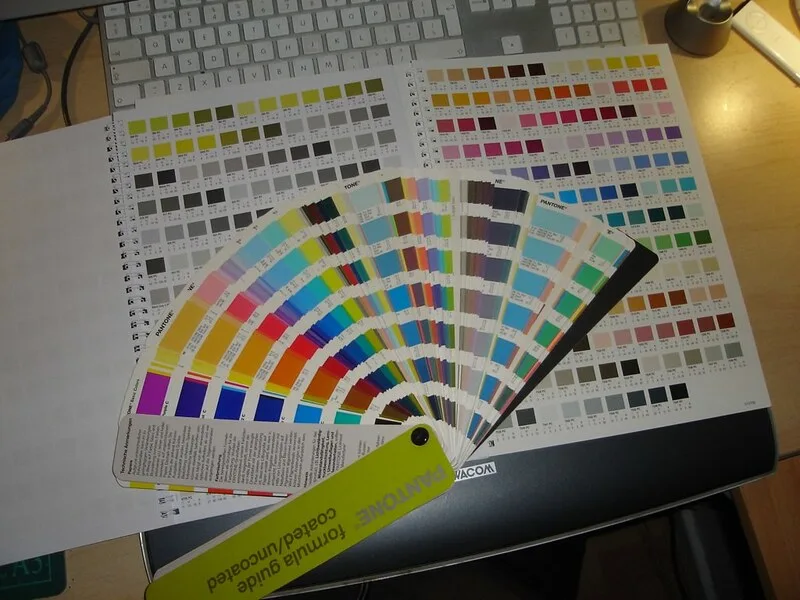
The prepare_images.py walkthrough: converting every source image to CMYK using the FOGRA39 ICC profile via Pillow and LittleCMS, with black-point compensation. Resolution is checked at placed size: never faked, never upscaled.
It’s invisible on screen. It prints correctly. But when text is extracted from the PDF — by an accessibility checker, a search engine, or a copy-paste — U+00AD surfaces as a garbage character between syllables. Here’s what it is, where it comes from, and how to find it.
events.yaml holds no labels. traduction.yaml holds no facts. The generator resolves them at build time with --lang fr, --lang en, or --lang es. What enforcing this constraint looks like in practice, and why the discipline is worth the friction it creates.
Producing a PDF/X-4 press-ready file from LuaLaTeX without touching Ghostscript: the pdfx package, TrimBox/BleedBox geometry in points, FOGRA39 OutputIntent, CMYK-only color discipline, and XMP metadata — everything a print shop will verify.
One hard stop, five soft failures, a renamed file, and a report alongside it. The design philosophy behind a preflight that never aborts — plus the pikepdf/PyMuPDF six-check implementation and the --strict flag for CI.
A 370-cell calendar that shifts every year. A lead’s name in three places. An IBAN in an invisible text box. These are not unusual InDesign problems — they are what InDesign files become when they accumulate facts with no single home. Two projects show what the alternative looks like — and where InDesign’s own global tools stop short.
Databases are not always the best place for your content. By storing it in plain files, you gain speed, security, Git-based workflows, and a simpler, more reliable publishing stack.
You don’t need the complexity of DITA XML to benefit from its discipline. With Markdown and modern docs-as-code workflows, technical writers can apply strong information typing-tasks, concepts, and references-using lightweight, open tools.
Tracing over two decades of web publishing, from raw HTML and Dreamweaver to CMSes, structured content, static site generators, and modern Git-based Markdown workflows. Lessons for solo and team content developers on maintainability, collaboration, and performance.